The PuTTY SSH client: what happens between click and prompt
Typing a host name and pressing Open hides four separate steps. Knowing them turns most connection failures from mysteries into a single obvious fix, which is why this page walks the handshake before it walks the settings.
Four steps in every SSH session
- TCP reaches the host. Your Windows machine opens a socket to port 22. A refused or timed-out connection never gets past this step, and the cause is networking, not SSH.
- The server proves its identity. It presents a host key; PuTTY compares the fingerprint with its cache and shows the security alert if there is no match.
- You prove yours. Password, public key, or keyboard-interactive with a one-time code.
- A channel opens. Usually an interactive shell, but it may equally be a port forward or a file-transfer subsystem.
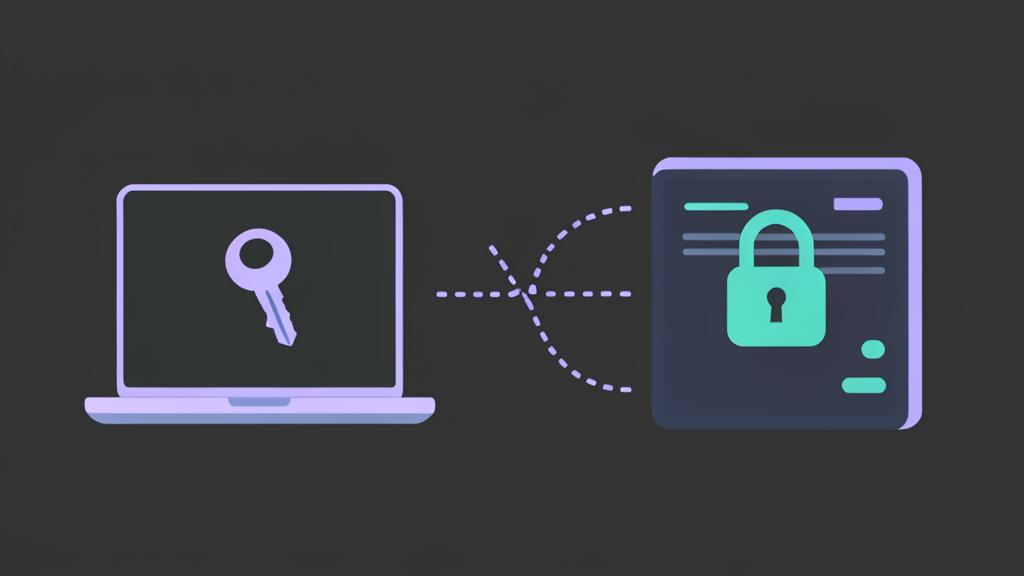
Settings that matter on the SSH branch
- Auth then Credentials — point at your
.ppkprivate key here, or let Pageant supply it. - Data then Auto-login username — saves typing the same account name every time.
- Tunnels — forward a local Windows port to a service that is only reachable from the remote network, such as a database listening on the far side of a firewall.
- X11 forwarding — only useful when you also run an X server on Windows; leave it off otherwise.
Password or key?
Passwords are fine for a machine you touch twice a year. For anything you connect to weekly, generate a key pair in PuTTYgen, upload the public half, and load the private half into Pageant at logon. It is faster to use and far harder to brute force. The full procedure is in how to use SSH keys with PuTTY.
Security habits for Windows operators
- Store
.ppkfiles outside synced cloud folders. - Give every private key a passphrase, then unlock it with Pageant.
- Never click through a changed host-key warning on a production system until someone confirms the server was rebuilt.
- Prefer a jump host over exposing internal machines directly to the internet.
When PuTTY refuses to connect
Match the message to a cause rather than retrying blindly: "Network error: Connection refused" means nothing is listening; "Connection timed out" means a firewall swallowed the packets; "Server refused our key" means the public key is missing or has the wrong permissions on the server. The PuTTY connection error reference works through each one.